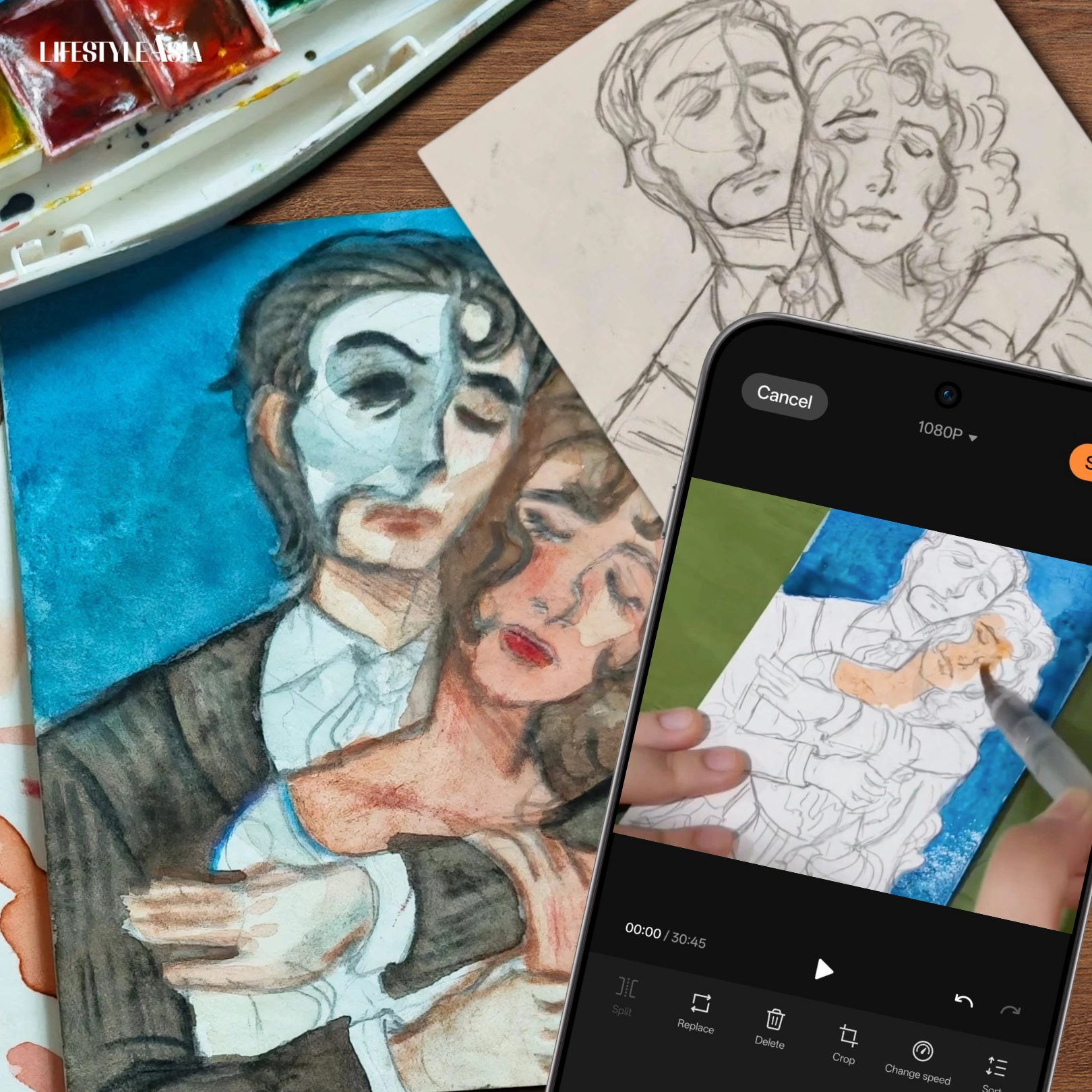
For an editor who paints to recharge, the OPPO Find X9 bridges her two worlds: fueling long, uninterrupted timelapses and capturing every brushstroke in true-to-life color.
Phones have transformed the act of creation. Gone are the days when you needed an entire suite of tools and hardware to shoot, edit, and produce. Today, everything lives in a single device—and with a powerful device like the OPPO Find X9, it becomes the only creative companion you truly need for your work to thrive.
While I’m building a career in lifestyle writing (and have been a writer for most of my life), I also hold space for other creative pursuits. Art, specifically illustration, is the outlet I turn to whenever I need a breather from staring at a blank document. I’ve been practicing on the side since middle school, and while life can sometimes (okay, very often) get busy, I still try to carve out time to draw and paint. Digital tools have given me access to countless brushes and effects, but traditional art still holds a special place in my heart.
Recording my process has become a way not only to share my work but to chronicle my creative flow. And why does that matter? For one, it reminds me to appreciate the journey of reaching a particular vision, because it’s easy to get caught up in what was or wasn’t accomplished, or to focus solely on the final result. For another, it’s simply a fun way to document my evolution as an artist. We’re always growing and improving, even if we don’t immediately see it at present.
READ ALSO: The OPPO Find X9: Keeping Up With The Chaos And Calm Of Editorial Life
The Gameplan: Document A Creative Process
I’ve made timelapse videos of myself painting before, though that was years ago, back when phones weren’t nearly as advanced as they are now. Those older devices let me down for all the usual reasons: colors looked off, footage came out grainy or blurry, and worst of all, they didn’t have the power to move seamlessly from shooting to editing to posting without freezing or crashing along the way. Thankfully, that isn’t the case anymore: I decided to give the OPPO Find X9 a try, and I can say I was thoroughly impressed.

Lately, I’ve been in the mood for musicals, revisiting one of my all-time favorites: Andrew Lloyd Webber’s The Phantom of the Opera. With an image of The Phantom and Christine Daaé already forming in my head, I decided to bring it to life—in more ways than one—with a little help from OPPO.
Filming And Video Editing Made Easy
Filming my process from sketch to finished painting was as easy as it was intuitive. You can document a painting session with any smartphone, but only a robust one like the OPPO Find X9’s Hasselblad Master Camera System can truly do the details justice. With a medium as delicate as watercolor, I needed a camera that could capture every subtle shift of pigment and texture as accurately as possible, and this one delivered.
I started by recording the full length of my process in real time. I didn’t break a sweat attaching the phone to my tripod, its light, sleek, and thin Aerospace-grade Aluminum Frame keeping it extra compact.

Filming and editing was beyond snappy on the OPPO Find X9. I tried out the system’s 4K 120fps Dolby Vision recording: every pencil mark and paint stroke stayed crisp, while the movements of my brush remained fluid. Activating the Focus Lock feature ensured my piece would remain clear, front and center, despite all the movement from my hands. My session was long (around two hours), so not exactly ready for posting. But the phone’s 16 GB RAM and 512 GB storage ensured file size wasn’t a concern.
I was thrilled to discover just how efficient the OPPO Find X9’s built-in Master Cut video editor is. It had all the tools I needed to refine the footage, including speed and resolution adjustments that condensed over an hour of 4K video into a 20-minute 1080p timelapse for posting, rendering fully in just about 25 minutes. I just needed to use another third-party app to speed it up further into a short-worthy clip, but even that was a breeze to download and use thanks to the phone’s incredible processing capabilities.
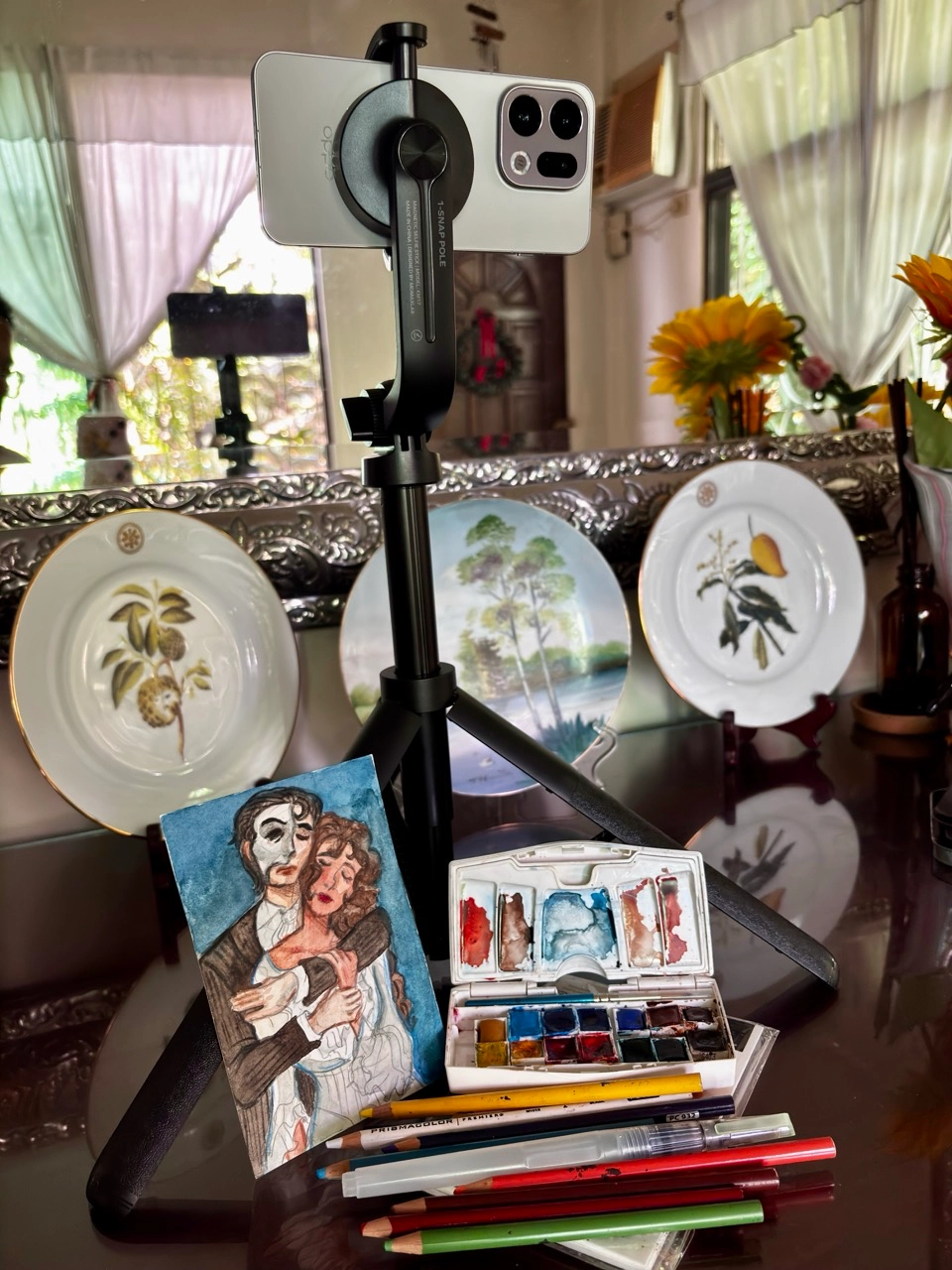
I didn’t encounter a single freeze, crash, or other similar hiccup, the device’s Trinity Engine x MediaTek Dimensity 9500 chips working their magic to ensure efficient image processing and stable high frame rate video recording. Pair this with the Luminous Rendering Engine that increases tap responsiveness and scrolling stability, a 120Hz refresh rate, as well as generous industry-leading 1.15 mm ultra-thin bezels on a 6.59-inch display, and you’ve got an incredibly reliable tool in your arsenal.
All the while I was wondering if the phone would experience some overheating due to all the bells and whistles, not to mention my lengthy filming. Yet I was once again astounded to see that it was doing just fine with its high-performance graphite and an expansive vapor chamber that cools the device down even during the most intense multi-tasking sessions. The large 7025mAh battery was only down to around 70% (from a full charge) after all that filming, a testament to OPPO’s cutting-edge silicon-carbon anode technology that offers roughly five hours and 19 minutes of 4K 60 fps Dolby Vision Recording.
All throughout the process I kept thinking: it can’t be that easy. But it was, and this doesn’t even include the phone’s stellar photo features. You can see the timelapse in the YouTube embed below, or through this link.
Snap And Share Your Vision, As Intended
Scanners are indispensable tools for the artist, used to digitize traditional pieces for further work on software, marketing, prints, portfolios, competition submissions, and the like. But they’re also quite bulky and stationary, adding a few more additional steps to the process of sharing and modifying works. The Hasselblad Master Camera System changes everything, streamlining the steps to a simple point-shoot-share process without sacrificing the quality or unique characteristics of your work.
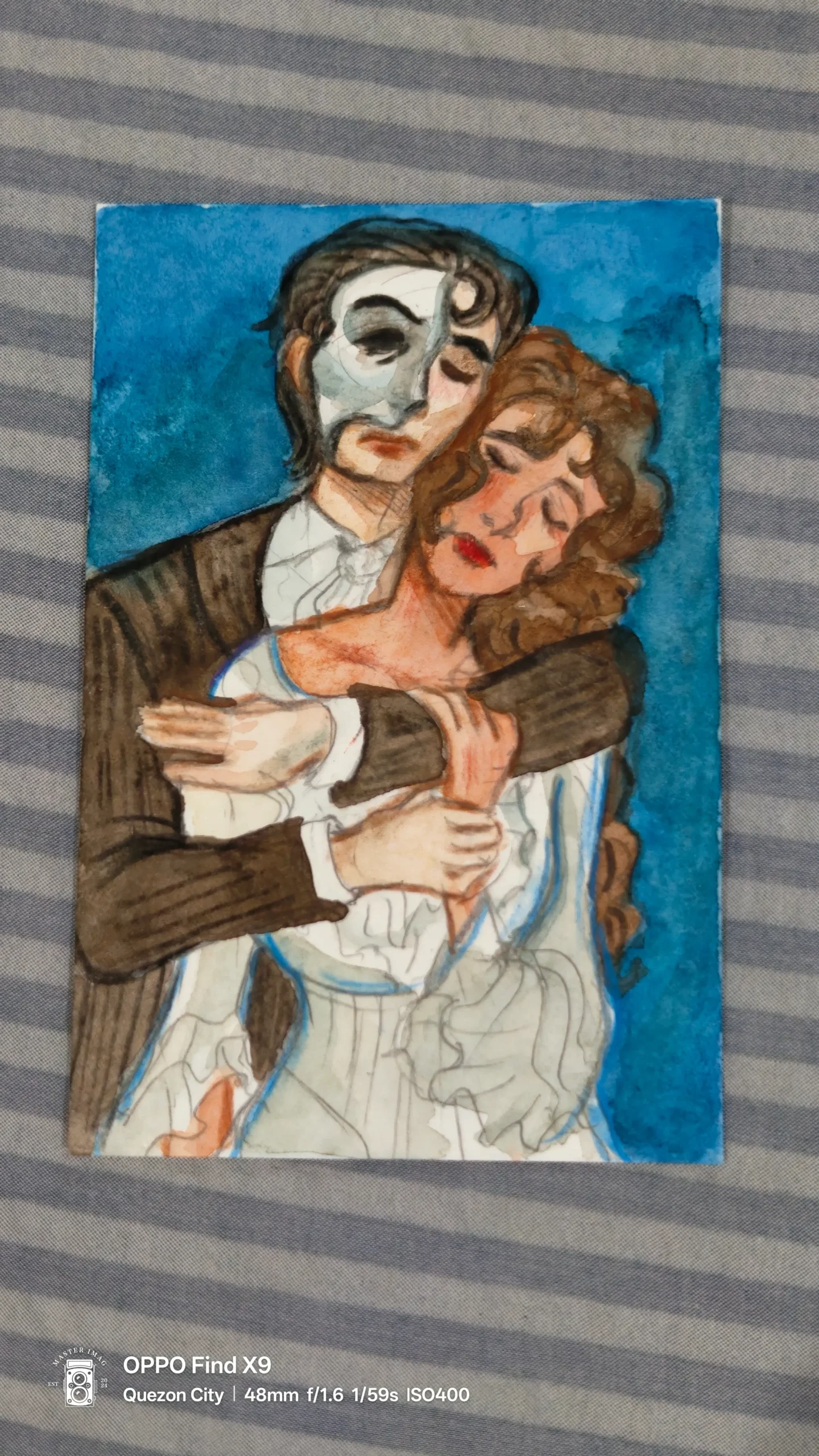
On top of having a 50MP Pro-Level Main Camera and 50MP Ultra-Wide Camera, the device also features a True Color Camera that adapts to changing color temperatures (which is crucial since hues can look different relative to the colors and lighting conditions surrounding them).


The Main Camera offered crisp, clear images, something I really appreciated since my lighting at home isn’t the most optimal for photography. The results were images that would give a scanner a run for its money, showcasing the watercolor and colored pencil marks of my piece in rich, vivid detail without over saturating or dulling them.
Everything looked natural and true to life, and even photos of my sketch were clean and balanced, creating a file that could easily be imported into a painting program from the get go, if I decided to turn this into a digital piece. A 50MP Periscope Telephoto lens provides a zoom that doesn’t blur or distort, capturing great close-ups of the piece that feature every stroke.

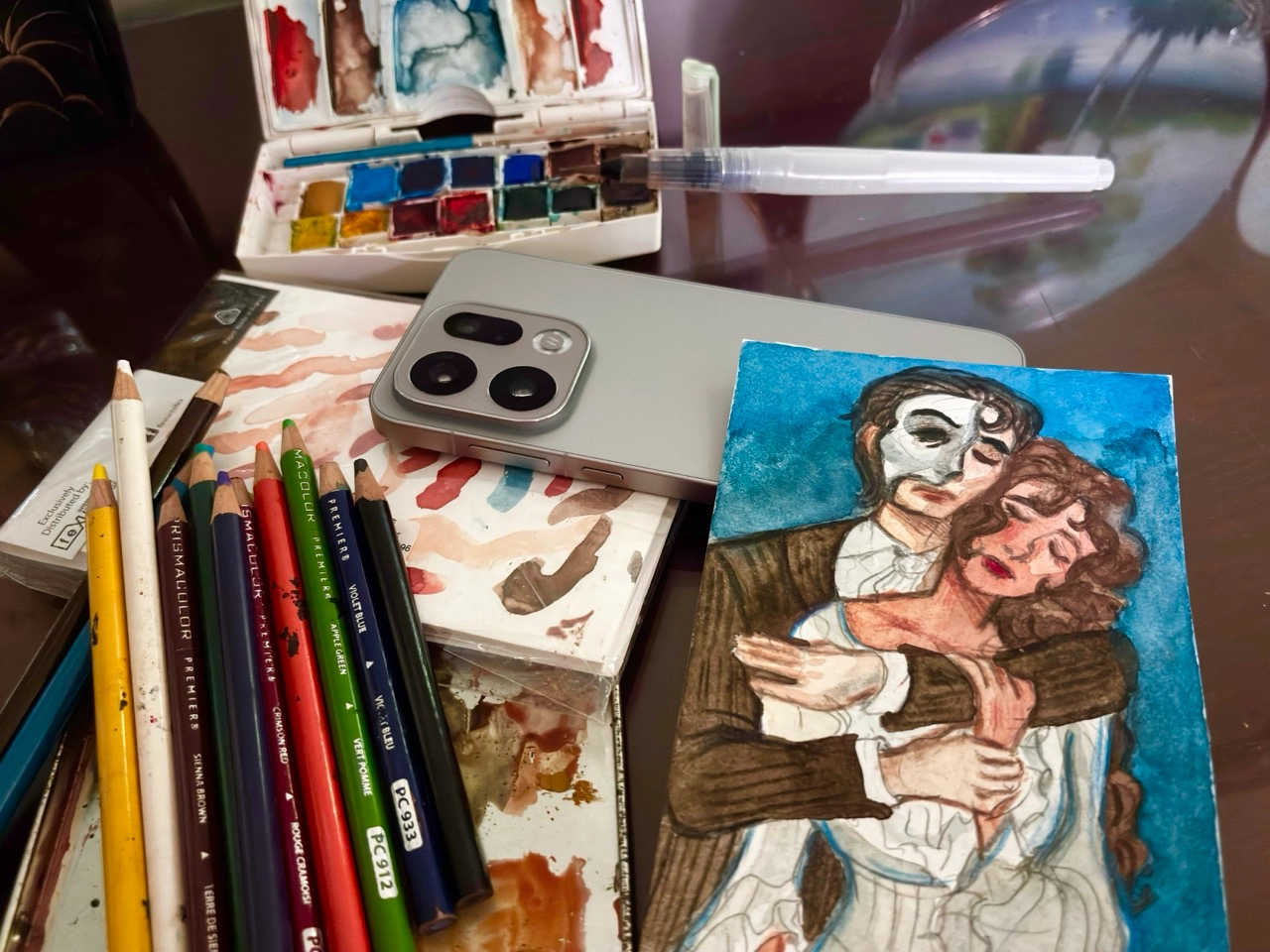
In the end, what stood out most was how effortlessly the OPPO Find X9 kept up with the technical demands of filming and photographing art, as well as the ebb and flow of the creative process itself. I wasn’t the one who needed to adjust: the phone moved at my pace and melded with my own creative process, allowing me to document, refine, and share my work exactly as I envisioned it. For any artist or creator looking for a device that supports both inspiration and execution, this one is more than capable of doing just that.
For more information, visit their official website www.oppo.com, or visit their Instagram, Facebook, or YouTube page.
Frequently Asked Questions
Yes — the OPPO Find X9’s Hasselblad Master Camera System handles 4K 120fps Dolby Vision recording with crisp, fluid footage. Its Focus Lock feature keeps the artwork sharp despite hand movement, and its 16GB RAM and 512GB storage make long filming sessions completely manageable without freezing or crashing.
It comes very close. The True Color Camera adapts to changing color temperatures, and the 50MP Pro-Level Main Camera and 50MP Periscope Telephoto lens capture watercolor and pencil details with rich, natural accuracy — producing results sharp enough to import directly into a painting program with minimal post-processing.
The 7025mAh battery dropped only to around 70% after a two-hour 4K filming session, thanks to OPPO’s silicon-carbon anode technology — which offers approximately five hours and 19 minutes of continuous 4K 60fps Dolby Vision recording on a full charge.
No — the device stayed cool throughout a lengthy filming session, thanks to high-performance graphite and an expansive vapor chamber cooling system that manages heat even during intensive multi-tasking.
Master Cut is the OPPO Find X9’s built-in video editing tool. It condensed over an hour of 4K footage into a 20-minute 1080p timelapse in roughly 25 minutes — offering speed and resolution controls without the need for a third-party app for basic edits.